AI Clothes Changer: How to Change Outfits in Photos Instantly (2026)
What an AI clothes changer actually does, when to use one, and how to change outfits in photos instantly without Photoshop. Free tools compared and step-by-step workflow.
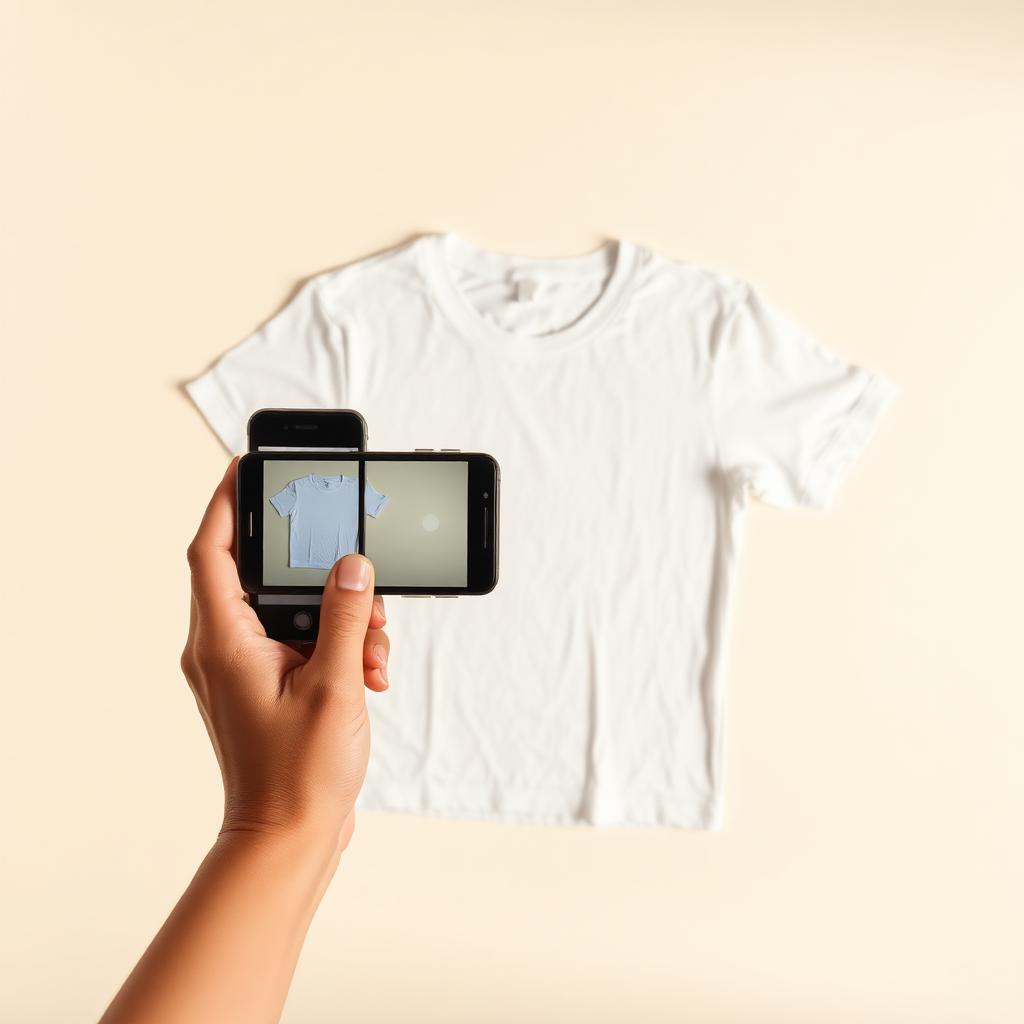
An AI clothes changer lets you change the outfit in a photo — or drop a new garment onto a fresh AI-generated model — in about 20 seconds. No Photoshop, no masking, no photoshoot. Here's what it does, when it's actually the right tool, and how to get output that doesn't look like AI.
What an AI clothes changer does
Three distinct workflows all get called "AI clothes changer" today:
- Garment → model. Upload a flat-lay of a hoodie, get an AI-generated model wearing it. This is what clothing sellers, resellers, and small brands mostly use.
- Photo → different outfit. Upload a photo of a person and change what they're wearing (t-shirt → denim jacket, for example) while keeping the pose and background.
- Photo → cleaned-up outfit. Same photo, same outfit, but wrinkles smoothed, colors corrected, background cleaned.
The AI clothes changer at Clothingenhancer is built primarily for the first workflow, because that's where the real money is for sellers — replacing a $1,000 photoshoot.
When to actually reach for one
Use an AI clothes changer when:
- You're a reseller and need on-body shots but don't want to hire models.
- You run a small clothing brand and can't justify a photoshoot for every drop.
- You want a consistent lookbook — same model, same location, every item.
- You're testing a design or colorway before committing to production.
- You need paid-ad creative fast (Instagram, TikTok, Meta ads).
Don't reach for one when:
- You're shooting a headline brand campaign that has to feel unmistakably human.
- You need a specific real person (a celebrity, an ambassador, your own founder).
- You're producing large-format print for a retail environment where the pixel-level detail of a real medium-format shot matters.
Step-by-step: change an outfit in a photo with AI
- Prep the input. For a garment-to-model workflow, use a flat-lay in soft daylight. For an outfit-swap workflow, use a photo where the person is in a normal standing or three-quarter pose, well-lit, with the outfit fully visible.
- Open the tool. Clothingenhancer's AI clothes changer is free to try — one on-body photo per new account.
- Pick your model. For garment-to-model, choose the persona that matches your brand: indoor mirror shot for casual, street style for streetwear, Paris night for premium, elevator for editorial.
- Upload and generate. Drop the file in, hit generate. 15–30 seconds later you have your image.
- Iterate. Not right? Try a different persona. Try a slightly better input photo. Two or three iterations usually gets you a keeper.
- Download HD. Save the result and drop it into your listing, product page, or ad creative.
How to get output that doesn't look like AI
Three habits separate obvious AI edits from listings that look like a real shoot:
- Feed it the whole garment. Full-frame flat-lays produce full-body model shots. Cropped inputs produce weird, chopped-up outputs.
- Match the persona to the item. A puffer jacket on a beach persona looks wrong. A streetwear hoodie in a Paris street shot looks right.
- Stick with one or two personas across your catalog. Random models make a store look chaotic. Consistency signals "professional seller" to buyers and to marketplace algorithms.
Free AI clothes changers compared
Most free "AI clothes changer" tools online are either general image editors bolted onto a segmentation model, or NSFW clothes-remover sites you don't actually want to be seen using. The category built specifically for legitimate clothing sellers is small.
- Clothingenhancer — built for clothing sellers. Garment-to-model workflow, multiple personas, HD output, and pairs with a photo editor and description generator. Free to start.
- General "virtual try-on" apps — often built for shoppers, not sellers, and don't let you upload your own garment. Not useful for a store.
- Photoshop generative fill — powerful but requires a Photoshop subscription and manual work per image. Not viable for a catalog of 200 items.
Cost vs. a real photoshoot
A real clothing shoot with a photographer and model is $800–$2,500 and takes 1–3 weeks from booking to delivery. Per-image, an AI clothes changer is a fraction of that and turns around in under a minute. For weekly drops, marketplace listings, and paid ads, there's no comparison.
Try it free
Open the AI clothes changer — one on-body photo included, no credit card, no watermark. If you also want to run your product-only photos through a clothing-specific photo editor, use the AI clothing photo editor. And to write the description in seconds from one photo, the AI description generator closes the loop.
Ready to list faster on Marketplace?
Free AI tools made for second-hand clothing sellers.