
AI Image Describer for Clothing Sellers: The 2026 Guide
How AI image describers work, why generic ones miss the details clothing buyers care about, and the specialised tool built specifically for resale listings.
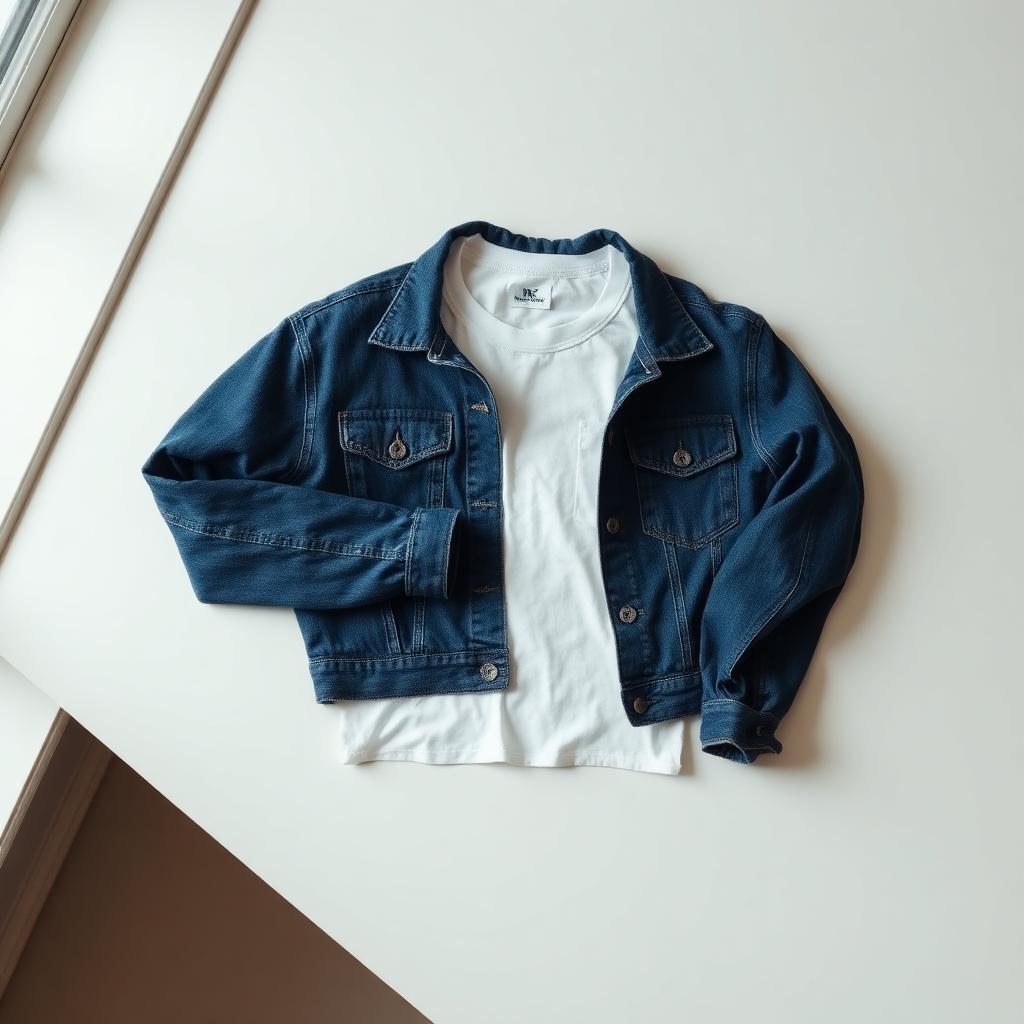
An AI image describer turns a photo into text. Upload a picture, get back a written description. Simple in theory — but for anyone selling clothing, most generic image describers get the details wrong in ways that hurt listings.
What a generic AI image describer gets wrong for clothing
Generic tools (the kind that describe any random photo) are trained on everything: landscapes, food, dogs, cars, memes. When you feed one a clothing photo, you get something like:
"A white t-shirt on a wooden surface."
Accurate. Useless for a listing. It misses the four things buyers actually search for:
- Brand — the single biggest driver of clicks
- Item type — "crewneck sweatshirt" not "top"
- Exact colour — "off-white" vs "ecru" vs "cream" matters to buyers
- Condition cues — visible wear, tags still attached, deadstock
Miss those and your listing gets 10x fewer views regardless of price.
What a clothing-specific AI image describer does
An image describer trained specifically on garments reads brand tags in the photo, identifies the exact item category, matches the colour to how it's actually listed on marketplaces, and outputs a description in the format that ranks best on eBay, Depop, Poshmark, Mercari and Facebook Marketplace.
That's what the AI description generator for clothing does. Upload one photo, get:
- A keyword-rich title (front-loaded with brand + type + colour + size)
- A structured description (brand, type, colour, condition)
- A suggested resale price in your local currency
Written in the language of the country you sell in — English, French, German, Spanish, Italian, Polish, and more.
When to use a generic AI image describer instead
There are still valid uses for a general-purpose image describer:
- Accessibility alt text for a blog or website
- Generating captions for social media posts
- Cataloguing family photos or documenting an inventory
For any of those, a general tool works fine. For product listings, you want the specialist.
How to get the best output from an AI image describer
Whichever tool you use, the input matters more than most people think:
- Clean background — bed sheet, wall, or wood floor. The AI wastes description budget on a cluttered background.
- Whole garment in frame — don't crop tight to the logo.
- Daylight — yellow indoor light shifts colour detection.
- Include the brand tag if it's visible from a natural angle. It dramatically improves brand identification.
Try it on your own listing
The specialist clothing image describer is free to try — 1 full generation per new account, no card. Upload one photo and see the full listing come back in about 10 seconds.
Ready to list faster on Marketplace?
Free AI tools made for second-hand clothing sellers.