AI Outfit Generator: What It Is and How Resellers Actually Use It
AI outfit generators are everywhere, but most are built for shoppers, not sellers. Here's how clothing resellers use AI outfit tools to create on-body photos, style shots, and lookbooks without a photoshoot.
Search "AI outfit generator" and you get a mix of two very different tools: consumer apps that suggest what to wear, and seller tools that render a garment onto an AI model. If you're reselling clothes, you want the second kind. Here's what actually works.
Two categories of AI outfit generator
- Consumer outfit suggesters — you tell the app what's in your wardrobe and it suggests combinations. Fun for TikTok content, useless for selling.
- Seller AI outfit generators — you upload a photo of your garment and the AI puts it onto a model in a chosen setting (indoor, street, beach, Paris, etc.). This is what powers the on-body listing photos you scroll past on Depop and Poshmark from top sellers.
Why sellers use an AI outfit generator
Marketplace conversion data is consistent across platforms: on-body photos convert 2–3x better than flat-lays alone. But on-body photos require a model, a photographer, a location, and editing. For a reseller flipping 10 items a week, that math never works.
An AI outfit generator collapses that entire pipeline into a single upload. The Clothingenhancer AI model generator offers 14+ model personas and generates a full on-body photo of your garment in 15–30 seconds. Pick the same persona across your catalog and you get a consistent lookbook — which is what actually moves the marketplace algorithms.
How to use an AI outfit generator for listings
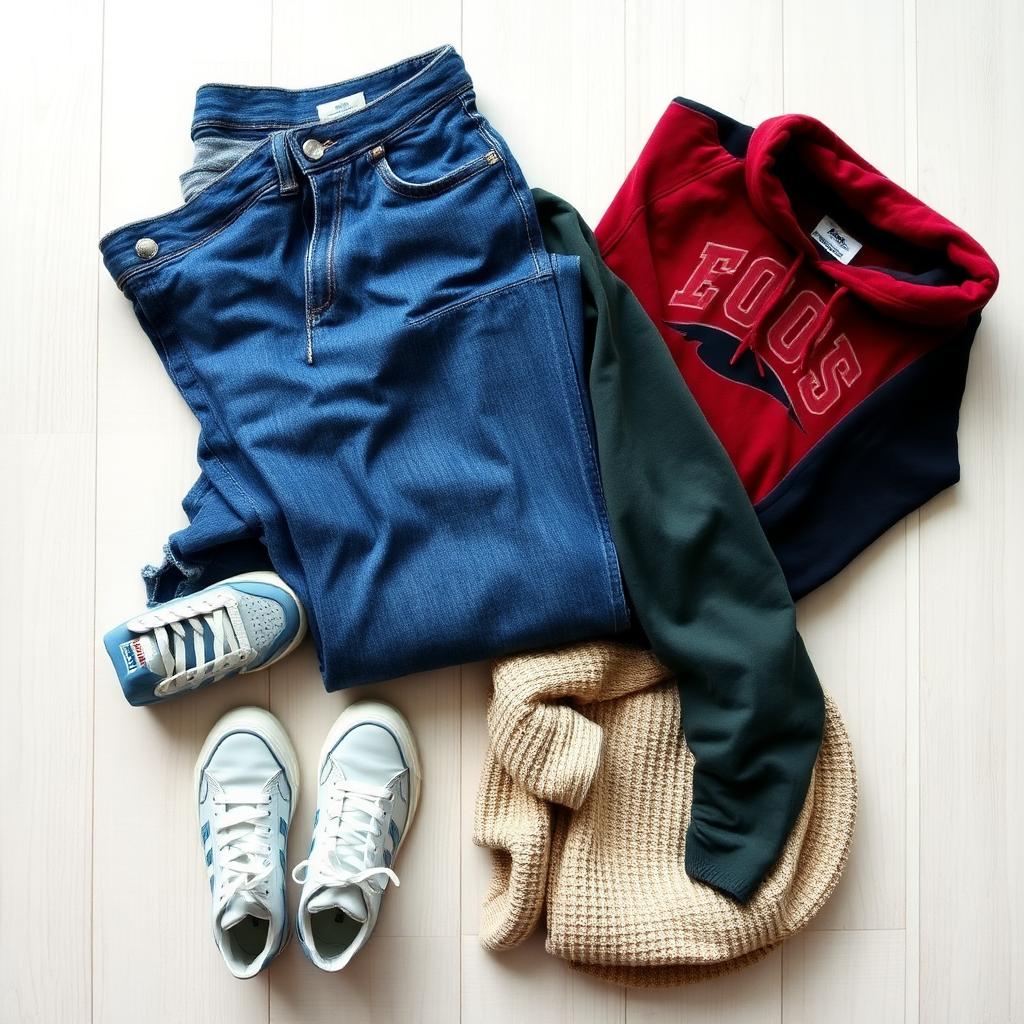
- Lay the garment flat on a plain surface in soft daylight.
- Take one phone photo showing the full garment.
- Upload to the outfit generator and pick a model persona that matches your buyer.
- Generate — the AI dresses the model in your item.
- Download the HD image and post it as your primary listing photo.
For a streetwear item: use the Street or Paris persona. For minimalist basics: use the Gallery or Loft persona. For womenswear: use one of the women's model personas. Keep the same persona across a drop so your listings look like a coherent shop, not random uploads.
AI outfit generator vs a real photoshoot
A basic clothing photoshoot with a model runs $300–$1,500 per shoot depending on location, styling, and post-production. Turnaround is 1–3 weeks. For a seller listing every week, that's not viable per drop.
An AI outfit generator costs a small fraction per image, produces on-body photos in under a minute, and doesn't require any coordination. It won't replace a headline brand campaign — but for weekly listings, second-hand drops, and paid ads, it's a straight-up better ratio.
Try it free
Every new account on the AI outfit generator starts with a free preview so you can test it on one of your own items before committing. Combine it with the AI photo enhancer for the flat-lay and the AI description generator for the copy, and one photo becomes a full listing in under two minutes.
Ready to list faster on Marketplace?
Free AI tools made for second-hand clothing sellers.