
How to Change Clothes in a Picture with AI (Free Methods That Actually Work)
The three legitimate ways to change clothes in a picture with AI in 2026 — what works, what doesn't, and the free tools clothing sellers actually use for marketplace listings.
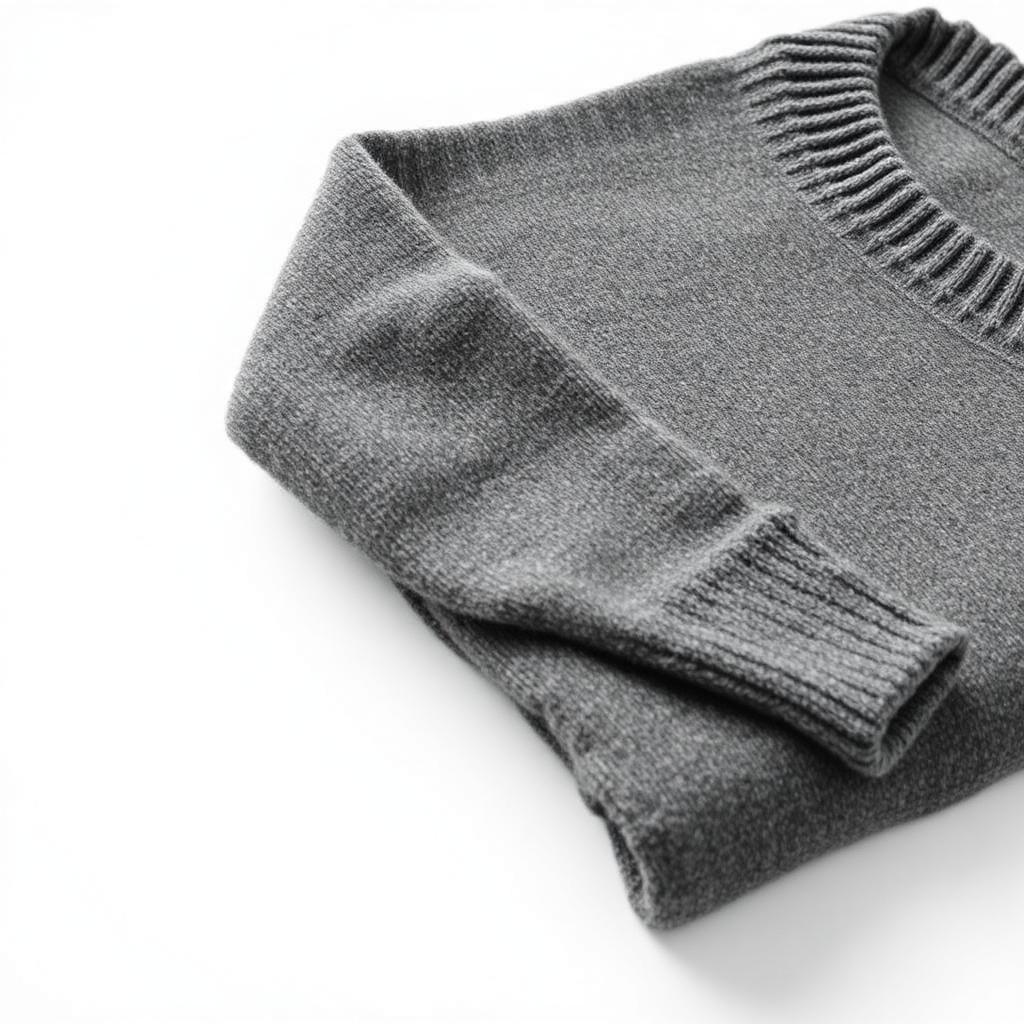
"How do I change clothes in a picture with AI — for free?" The short answer: pick the right tool for the workflow you actually need. Most sites that come up for this search are either paid, watermarked, or built for something you don't want to be doing. Here's what actually works.
The three legitimate workflows
Before you pick a tool, figure out which of these you're trying to do:
- Put your garment onto an AI model. You have a flat-lay of a hoodie. You want an on-body photo of it for your Depop or Poshmark listing.
- Change the outfit in an existing photo. You have a photo of yourself or a real model, and you want to swap the outfit to a different one while keeping the pose.
- Clean up the outfit already in a photo. Same photo, same outfit, but with wrinkles smoothed and background cleaned.
Different tools are best for each. Most sellers actually need workflow #1.
Workflow 1 — Put your garment onto an AI model (free)
This is what marketplace sellers, resellers, and small clothing brands mostly need. The best free tool for it is the AI clothes changer at Clothingenhancer — one on-body photo free per new account, no card needed, no watermark, HD download.
The steps:
- Lay your garment flat on a plain surface in soft daylight and take a phone photo.
- Open the tool and pick one of the AI model personas (indoor, street, Paris, elevator, and more).
- Upload the flat-lay and hit generate.
- Download the on-body photo and use it in your listing.
15–30 seconds per photo. Same model persona across your catalog gives you a consistent lookbook without a photoshoot.
Workflow 2 — Change the outfit on an existing photo
This is what generic "AI clothes changer" search results usually point to. Options in 2026:
- Photoshop generative fill — works well but requires a Photoshop subscription and manual work per image. Not free and not fast.
- Consumer virtual try-on apps — mostly built for shoppers browsing a retailer, not for changing outfits on your own photo. Limited garment library.
- Free web tools — quality varies widely. Most produce visible AI artifacts around hair, hands, and the neckline. If you go this route, use them for social posts, not listing photos.
For sellers, workflow 1 (upload garment → AI model) is almost always the better answer than trying to swap an outfit on a photo of yourself. Cleaner output, faster, no weird artifacts.
Workflow 3 — Clean up the outfit already in the photo
If the outfit in the photo is fine and you just need the photo itself to look professional, use an AI clothing photo editor instead. It fixes lighting, removes distracting backgrounds, corrects color, and outputs a clean studio-style shot without changing what the person is wearing.
This is the fastest fix for listings where you already have a decent photo but it looks like it was taken in your bedroom (because it was).
What to avoid
Two categories of "free AI clothes changer" tools you shouldn't touch:
- NSFW "clothes remover" sites. These dominate the "AI clothes remover" search results. Not useful, not safe, and often malicious.
- Sites with a mandatory watermark on the free plan. A visible watermark on a marketplace listing photo instantly kills buyer trust. If the free version watermarks the output, it's not actually free for a seller.
Free tools that actually work for clothing sellers
| Workflow | Tool | Free tier |
|---|---|---|
| Garment onto AI model | Clothingenhancer AI clothes changer | 1 free on-body photo, no card |
| Clean up existing photo | Clothingenhancer AI photo editor | Free credits included |
| Write the description | AI description generator | Free credits included |
All three are built for clothing specifically — trained on garments, not on random object segmentation. That's why edges on knitwear, drawstrings, and transparent fabric come out clean instead of chopped up.
Ready to try it
Start with the AI clothes changer — upload one flat-lay, pick a model, get an on-body photo in about 20 seconds. If it saves you from a photoshoot for even one product drop, it's paid for itself.
Ready to list faster on Marketplace?
Free AI tools made for second-hand clothing sellers.