How to Create Product Photos With AI (Free Tool, 2026)
Step-by-step on creating studio-grade product photos with AI — no camera gear, no editing skills, free to try. The 2026 workflow that replaced product photography.
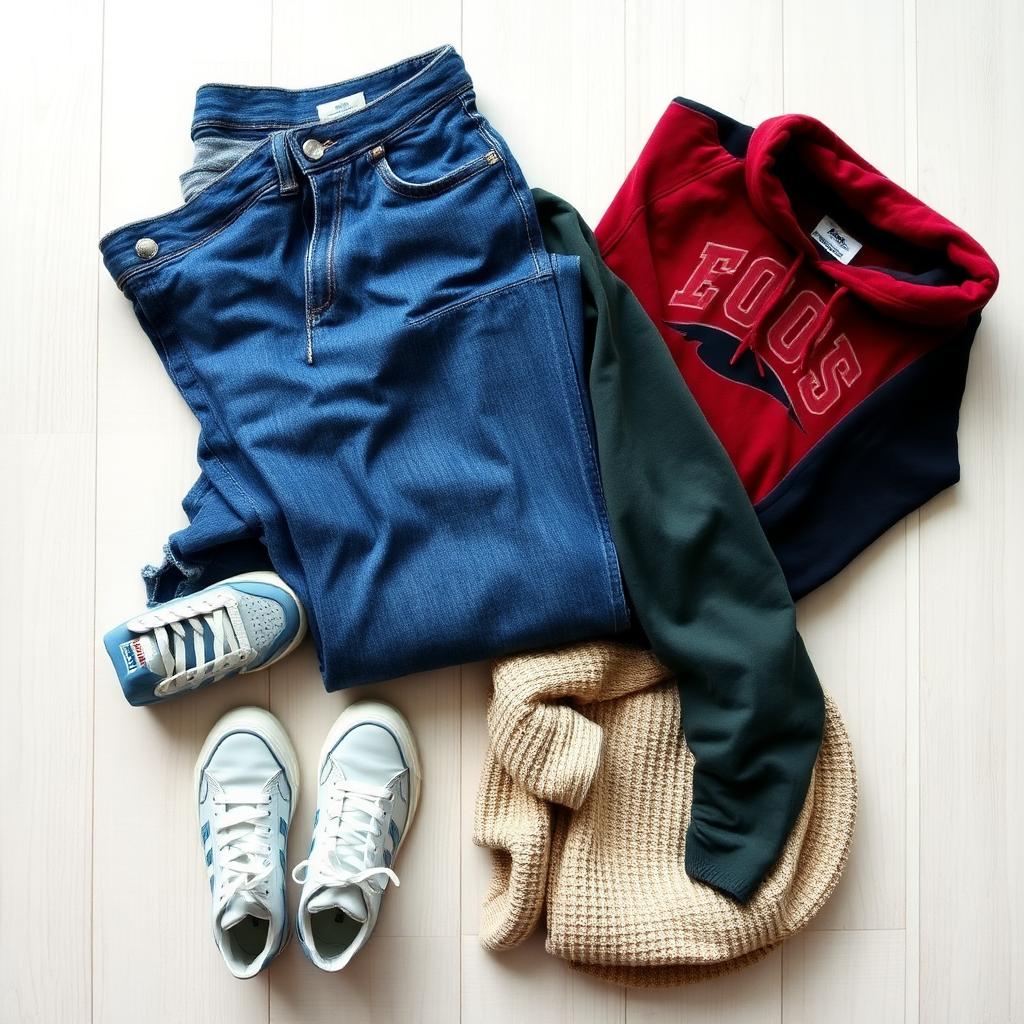
Creating product photos used to mean a camera, lights, a backdrop and Photoshop skills. In 2026 it's a phone snap and a free AI tool. Here's exactly how to do it.
What AI product photography actually does
It takes a regular phone photo of your item and outputs a clean, studio-grade product shot — background removed or replaced, lighting evened out, color corrected. The output is good enough to use on Amazon, Etsy, Shopify, Poshmark, Depop, eBay and your own site.
The 3-step workflow
Step 1 — Take the phone photo
- Find decent light (window is best).
- Lay the item flat or hang it.
- Square crop, hold steady, tap to focus.
- Skip flash, skip filters.
Quality of the input matters less than people think. The AI handles uneven light, off-white backgrounds, and minor clutter.
Step 2 — Run it through the AI tool
Use Clothingenhancer's AI Photo Enhancer — it's free to try with credits included, built specifically for clothing and small products, and gives you a studio result in about 5 seconds. Upload, download, done.
It handles the edge cases generic tools fail on:
- Knitwear fuzz
- Transparent fabric
- Drawstrings and laces
- Fine detail like embroidery
Step 3 — Use it everywhere
The output is a clean JPEG sized correctly for marketplaces. Upload as your cover photo, then add 3–4 raw phone shots for context (back, label, detail, scale).
Why this beats hiring a photographer
A product shoot costs $30–$150 per item and takes 3–5 days. AI does it in 5 seconds per item, free, on demand. For sellers listing 10+ items a week the math isn't close.
Why this beats DIY lightboxes
Lightboxes cost $50–$150, only fit small items, and you still need to color-correct in software. AI skips both the hardware and the editing.
Try it free
Open the AI Photo Enhancer — free credits, no card required. Upload one photo and you'll see whether it works for your items in 5 seconds.
Ready to list faster on Marketplace?
Free AI tools made for second-hand clothing sellers.