
How to Swap Clothes in a Photo Using AI (2026 Guide)
The exact step-by-step for swapping clothes in a photo using AI — free tools, best practices, and how to keep the same pose, background and lighting across every swap.
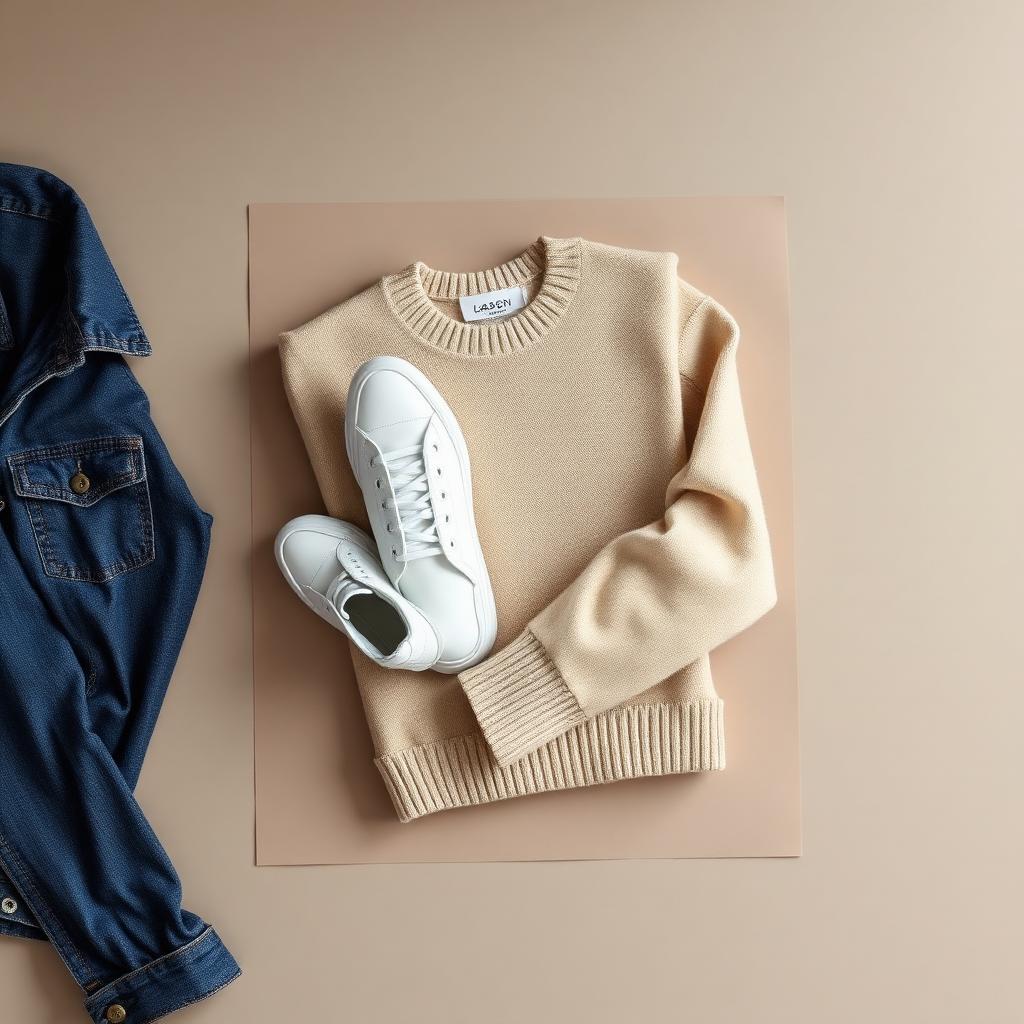
Swapping clothes in a photo used to mean Photoshop, masking hair strands for an hour, and hoping the shadows lined up. In 2026 you upload the garment, pick a model, and the AI does it in about 20 seconds. Here's exactly how it works and what makes the difference between a clean swap and an obvious edit.
What "swap clothes in a photo" actually means
Two different things get called "AI clothes swap":
- Garment onto a model — you have a flat-lay of a hoodie and want to see it worn by a realistic person. This is what most clothing sellers actually need.
- Outfit swap on an existing photo — you have a photo of a person and want to change what they're wearing to a different outfit.
Both work today. The first is what powers marketplace listings — Depop, Poshmark, eBay, Shopify. The second is more of a creative or lookbook use case. This guide covers both.
Step 1 — Get a clean flat-lay of the garment
Whatever you do next, the input photo decides 80% of the output quality. For a flat-lay:
- Lay the garment flat on a plain surface (bed, floor, wood table — plain patterns are fine).
- Shoot in soft daylight, not overhead ceiling light or camera flash.
- Keep the whole garment in the frame with a little space around it.
- Smooth out obvious wrinkles.
A phone shot is enough. You do not need a real camera.
Step 2 — Upload it to an AI clothes changer
Open the AI clothes changer, drag your flat-lay into the upload box, and pick one of the built-in AI models. The tool has multiple personas — indoor mirror, street style, Paris, elevator, distressed hoodie fit, and more — so you can match the vibe of your brand or store.
Hit generate. About 15–30 seconds later you get a full-body on-body photo of that garment on the selected model, in a realistic setting, with real fabric drape and lighting.
Step 3 — Swap in a different garment, keep the same model
This is where it becomes a "clothing swapper" rather than a one-shot generator. Reset, upload the next item, keep the same model persona, and generate again. Every item in your catalog now appears on the same person in the same location — the visual consistency top-tier stores pay a photographer $1,500 per shoot to produce.
What actually determines a good swap
Three things matter more than which tool you use:
- Input quality. A dark, wrinkled, cropped photo produces a mediocre output every time.
- Model choice. Streetwear on a "Paris night" persona looks better than streetwear on a plain white studio. Match the persona to the garment.
- Consistency across the catalog. Pick one or two model personas and stick with them for all your listings. Randomly changing models across a store makes it look chaotic.
What to avoid
- Swapping onto photos where the person's pose fights the garment. A fitted blazer on a person doing a jumping-jack pose will look weird no matter what tool you use.
- Extreme close-ups. Feed the AI the whole garment, not a zoomed-in fragment.
- Reflective or metallic fabrics. Patent leather, foil finishes, and heavy sequins are the current edge case for every AI on the market.
Why sellers do this instead of a real photoshoot
A real clothing shoot with a model and photographer is $800–$2,500 and takes 1–3 weeks. Per-garment, an AI clothes swap costs a fraction of that and turns around in under a minute. For weekly product drops, secondhand marketplace listings, and paid ads, the math is a straight-up win.
Try it free
Open the AI clothes changer — one free on-body photo included, no card needed. If you also want a clean product-only shot to go next to it in the listing, pair it with the AI clothing photo editor. And to write the description, the AI description generator closes the loop.
Ready to list faster on Marketplace?
Free AI tools made for second-hand clothing sellers.