
How to Take Pictures of Clothes to Sell Online (The 2026 Method)
The 2026 method for taking pictures of clothes to sell online — what's changed since AI background removal became free, and the 4 mistakes that still kill listings.
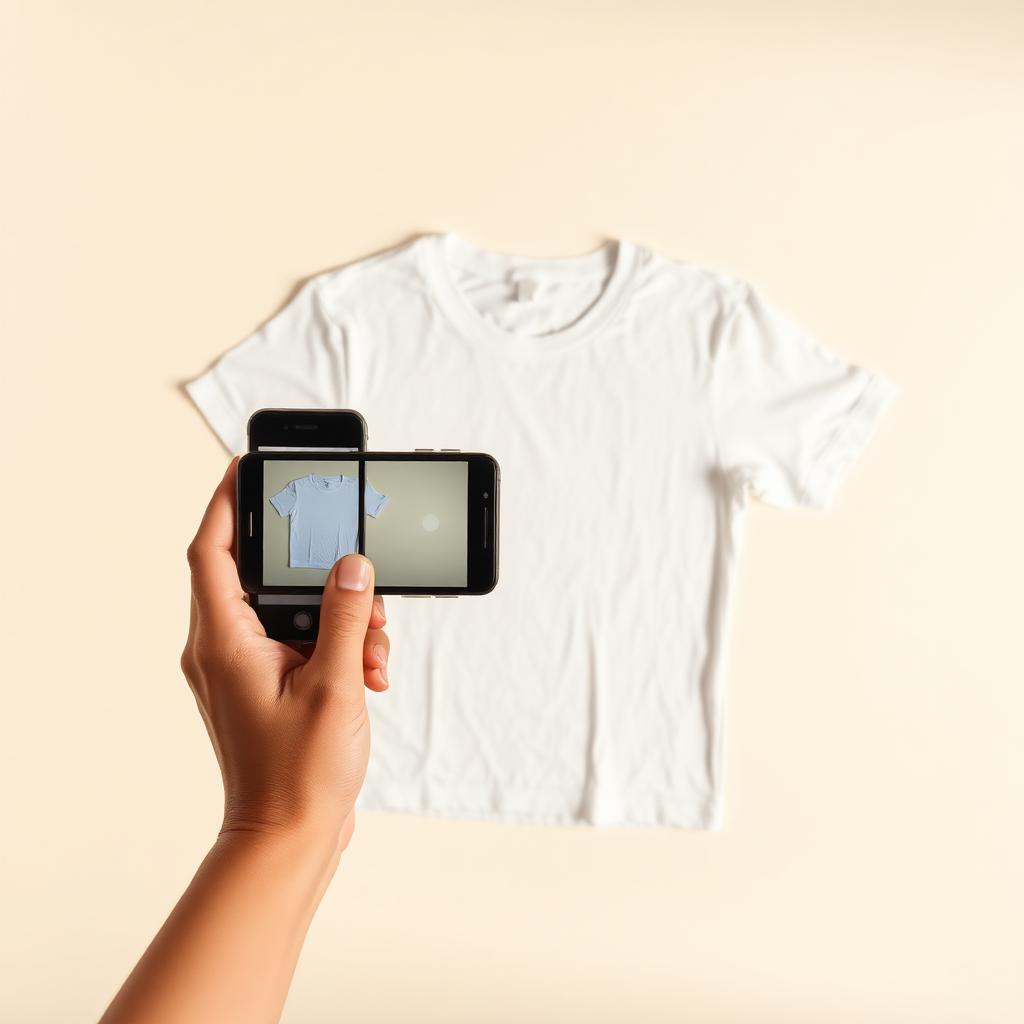
The way to take pictures of clothes to sell online changed in 2025. AI background removal is now free, phone cameras shoot at studio quality, and buyers expect a "marketplace look" — clean white background, full garment in frame, no clutter. Here's what the new standard looks like.
What changed
A 2024 listing with a clean phone snap on a bedsheet used to be enough. In 2026 the bar moved: top sellers on secondhand marketplaces, Depop, eBay and Marketplace post listings that look like e-commerce product pages. They aren't shooting with cameras and lights — they're using AI background tools to skip the studio step entirely.
Buyers have noticed. A listing on a messy background converts at roughly half the rate of one on a clean background. Same item, same price.
The new 4-step workflow
1. Shoot anywhere, with any light
Pick the brightest spot in your house. Window light is best, but room light works because the AI background step neutralizes color casts. Lay the garment flat or hang it. Shoot square, hold steady, tap to focus.
2. Run it through an AI background remover
This is the step that replaced "build a home studio." Drop your photo into Clothingenhancer — it's built specifically for clothing, so it handles knitwear fuzz, transparent fabric, drawstrings and laces without the weird outlines a general tool gives you. You get a clean white or studio-grey background in 5 seconds.
3. Add the 4 secondary shots
The AI'd hero shot is your cover. For shots 2–5 (back, brand label, detail, flaws) you can use raw phone photos — buyers expect those to look more "natural." All five together is the standard 5-photo listing.
4. Write the description and price
Skip the marketing fluff. Five lines: brand, type, color, size, condition. Price 10–20% below the average sold listing for that brand and you'll move it inside 48 hours.
The 4 mistakes that still kill listings in 2026
- Mannequin photos stolen from Google. Reverse image search is one click for buyers. You get reported, your account gets a warning, your reach drops.
- HEIC files uploaded straight from iPhone. Some platforms compress them badly. Export as JPEG first or use a tool that re-encodes (most AI background tools do).
- Over-edited photos with cranked saturation. Triggers buyer suspicion that the real item doesn't match the listing. Refund requests follow.
- Reusing the same hero shot for variants. If you have the same hoodie in 3 colors, shoot each one. Buyers can tell when one photo is recolored and they don't trust the listing.
Why the AI step matters
Cover photo quality determines the impression rate. Impression rate determines clicks. Clicks determine sales. If you spend 5 minutes upgrading the hero shot, you're not just making one listing prettier — you're multiplying every other action you take. Reasonable pricing on a great photo beats aggressive pricing on a bad photo, every time.
TL;DR
- Shoot any way, anywhere — light just has to be enough to see the garment.
- Clean the cover photo with an AI background remover built for clothing.
- Use 5 photos: hero (cleaned) + back + label + detail + flaw.
- Skip filters, skip mannequin photos, skip HEIC.
- Price below the brand's average sold listing.
That's the 2026 method. Set it up once and every listing after that takes 8 minutes.
Ready to list faster on Marketplace?
Free AI tools made for second-hand clothing sellers.