How to Use AI Models for Your Clothing Brand (2026 Guide)
A practical guide to using AI clothing model generators to shoot lookbooks, launch products faster, and skip $300–$1,500 photoshoots — without looking generic.
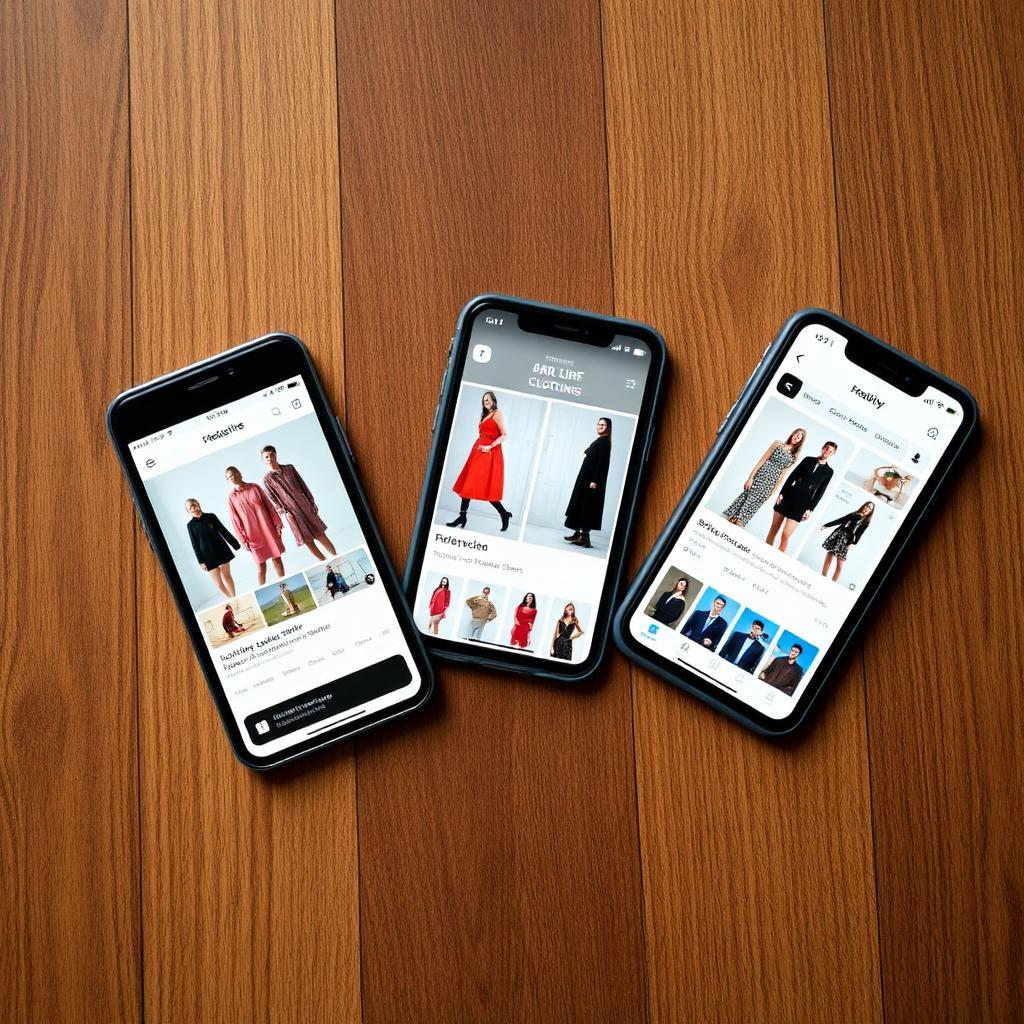
Running a clothing brand in 2026 without an AI model in your workflow is like running a store without a website in 2010. It still works. It's just slower and more expensive than it needs to be. Here is exactly how to use an AI clothing model generator to move faster without your brand looking generic.
Why brands are switching to AI models
A single traditional photoshoot for a small drop — model, photographer, studio, editing — costs $300 to $1,500. Multiply that by every new SKU, every season, and every colorway and it's the single biggest recurring cost for most small brands.
An AI clothing model generator takes a flat-lay photo of your garment and puts it on a realistic model in about 30 seconds. Same output for a listing, an ad, or a lookbook, at a fraction of the cost. For a small brand releasing 5–10 new pieces a month, that's the difference between shipping the drop this week and waiting three weeks for a shoot slot.
What AI models are good at (and where they break)
AI models are excellent at:
- On-body product shots for storefronts, Marketplace listings, and paid ads.
- Multi-persona lookbooks — the same jacket on an indoor, street, and beach model without three separate shoots.
- Sampling before production — see how a sample looks worn before committing to a full run.
They're weaker at:
- Extreme close-ups of tiny hardware or embroidery.
- Highly reflective materials like patent leather or metallic foil.
- Complex layering across three or more pieces (do those separately).
The workflow that actually works
- Shoot one clean flat-lay per garment. Plain surface, natural window light, no wrinkles.
- Pick 2–3 personas per item. Don't use every model for every piece — match the model's setting to your brand aesthetic.
- Generate and pick your best frame. Regenerate if the fit or fabric drape looks off.
- Drop into your listing template. Same crop, same aspect ratio, same order every time.
Consistency matters more than perfection. A grid of on-body shots in the same style converts higher than a mix of studio, phone snaps, and AI.
Try it on your next drop
Take the sample from your next release, shoot one flat-lay on your phone, and run it through the AI clothing swapper. You'll have a full on-body lookbook before the next production meeting.
For the full listing pipeline, pair it with the AI photo enhancer for your product-only shots and the AI description generator to write the copy.
Ready to list faster on Marketplace?
Free AI tools made for second-hand clothing sellers.