How to Remove the Background from Clothing Photos (Free)
Three fast ways to get clean white-background photos for online marketplaces — including the clothing-specific AI tool I built at Clothingenhancer.com.
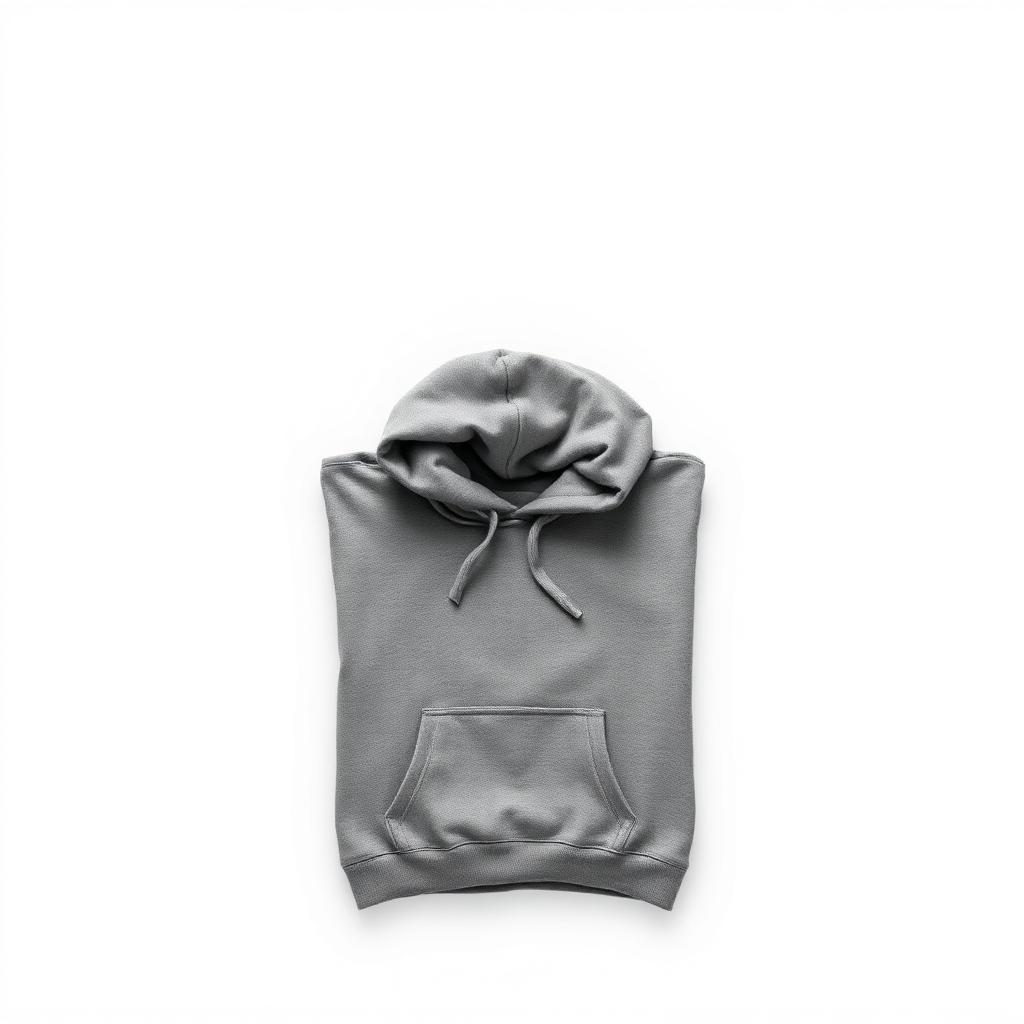
Clean white backgrounds are the single biggest difference between an amateur listing and one that sells. Here's how to get there fast — without Photoshop.
Why white backgrounds sell more
Online marketplace algorithms push listings with clean photos higher in search. Buyers also subconsciously trust clean photos more — they look professional, even if the item is second-hand.
Studies on marketplace data have shown clean-background listings get 2–3x more clicks than the same item on a cluttered surface.
Option 1: AI tools built for clothing (fastest)
For clothing specifically, a tool built for the job beats general background removers because it understands fabric edges, fringe, and sleeves.
This is the lane I work in — Clothingenhancer.com is designed for clothing resellers. Upload your phone photo, download a studio-quality shot ready to upload to online marketplaces. You get starter credits to try it before picking a plan.
Option 2: Phone apps
- iOS 16+: long-press any subject in Photos and tap "Copy Subject." It auto-removes the background.
- Android (Samsung One UI 5+): same gesture in Gallery.
- Snapseed / PicsArt: free apps with manual cutout tools — slower but free.
These work fine for solid garments but struggle with sheer fabric, lace, or fringe.
Option 3: Browser-based tools
remove.bg, Canva, and Photoshop all work — but most paid options charge per image, which gets expensive if you list 20+ items a week.
The verdict
For a single hero shot, the iOS/Android built-in cutout is good enough. For a whole batch, use a clothing-trained AI like Clothingenhancer.com — it handles edges (sleeves, straps, fringe) properly and exports at full resolution for upload. You can do 30 items in under 10 minutes.
Either way: stop uploading photos with your bedsheet in the corner. The cleanup takes 10 seconds and adds 30%+ to your first-week views.
Ready to list faster on Marketplace?
Free AI tools made for second-hand clothing sellers.